
Managed Print Services for Dallas–Fort Worth Businesses
Fleet assessment first · Cost visibility · MPS ≠ maintenance · Kyocera authorized · Commercial only
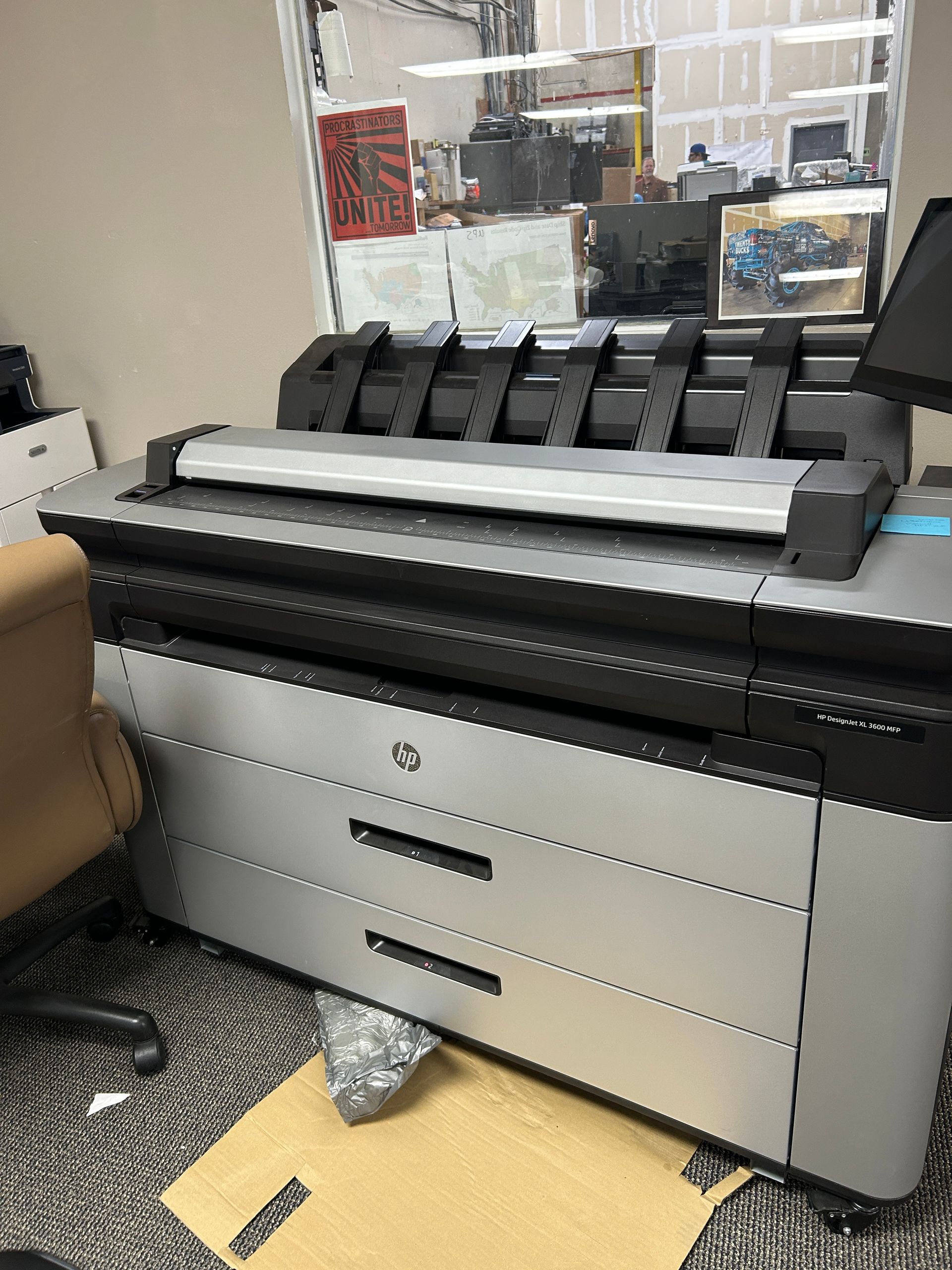
You cannot control print cost you have never measured. Break/fix repair keeps a single machine alive. Managed print services answer a different question: what is the fleet actually costing, which devices should be replaced instead of repaired again, and how do supplies and service stop being surprises?
CoPrinter’s managed print path is built for Dallas–Fort Worth offices that want clearer monthly costs without an enterprise portal they will never open. From our Lewisville headquarters we start with a practical assessment—device count, locations, failure patterns, and supply spend—then build a monthly support path scaled to your real footprint. Small offices get a simple plan. Multi-site teams get clearer visibility and fewer vendor handoffs.
What managed print is NOT
MPS ≠ break/fix maintenance alone
Maintenance agreements are preventive service contracts: scheduled care, priority response, and loaners when needed. They exist to prevent the emergency call and to keep agreed machines productive.
Managed print services add fleet and cost visibility, supplies coordination across devices, assessment-led recommendations, and replacement timing planned before failure—not only after it.
You can use one or both. We will not sell you managed-print language when a maintenance plan is what you asked for, and we will not pretend a maintenance agreement automatically answers “what does the whole fleet cost?”
MPS ≠ a toner-only shopping cart
Toner and supplies SKU matching belong on the printer supplies and toner path. Managed print may coordinate supplies as part of fleet planning, but the primary job here is assessment and cost control—not a one-off cartridge quote. If you only need the right OEM or compatible for machines on the floor, ask for a supplies quote. If you want fleet-level visibility, ask for an MPS assessment.
MPS ≠ a sales pitch disguised as a “program”
Assessment comes before anyone quotes a stack of new machines. Matching the device to the office still matters. If the honest answer is keep and maintain, buy one replacement, lease for cash flow, or consolidate three devices into one, we say so. Managed print is not a quota tool for forcing a manufacturer refresh.
Where print money actually disappear
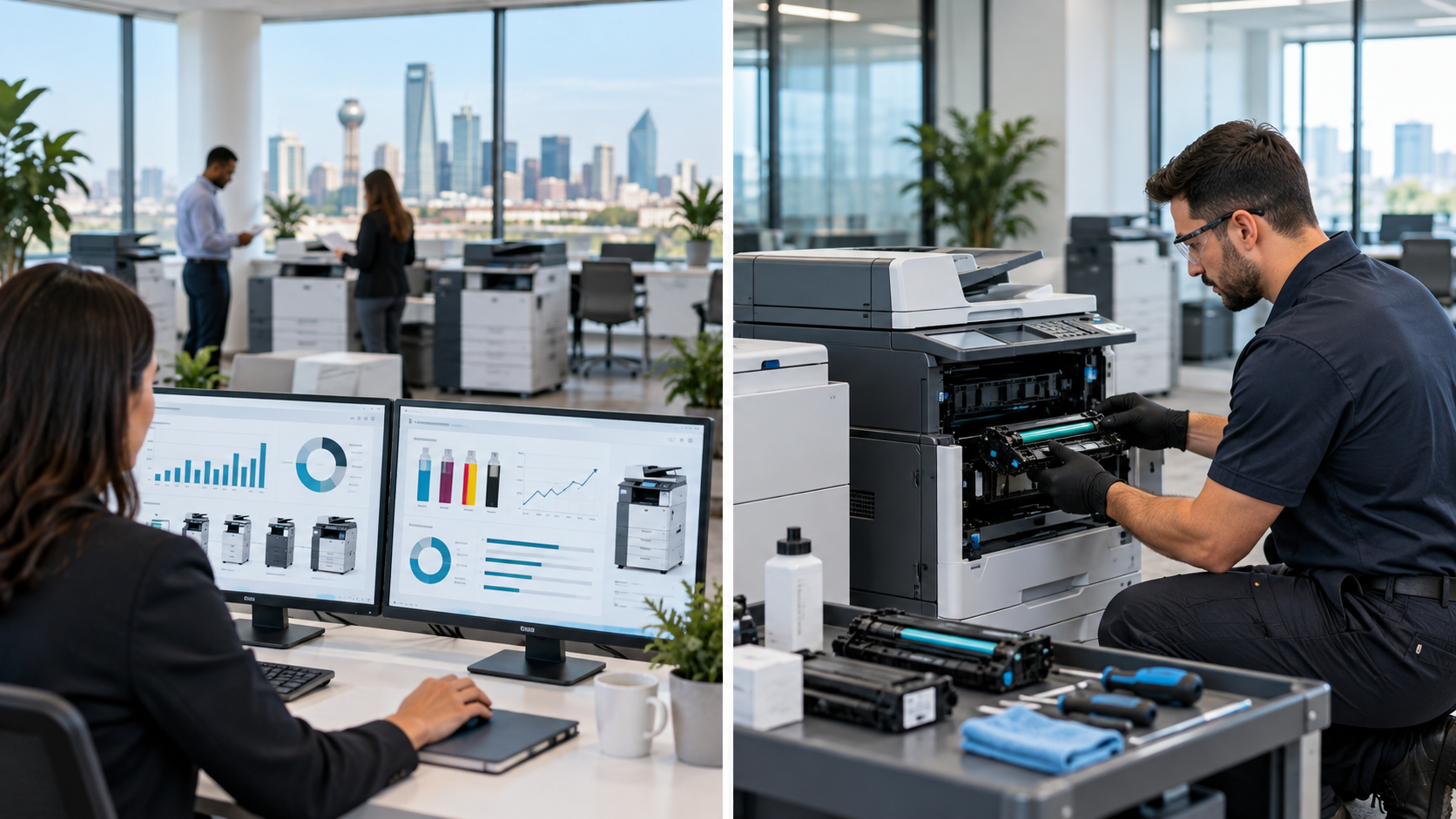
Most businesses cannot say what they spend on printing. Costs scatter across toner bought reactively at retail prices, repeat repairs on machines that should have been retired, devices sized wrong for their location, and staff time lost to equipment nobody owns responsibility for.
A managed print engagement starts by making those numbers visible. That means a device list, a location map, service history, monthly volume per machine, and the recurring problems staff have simply stopped reporting because they accepted them.
The assessment usually surfaces the same handful of findings: a color machine doing mostly black-and-white work, a department buying its own toner at a significant premium, one device absorbing a disproportionate share of service calls, and two or three machines that could be consolidated into one. Fixing those leaks usually saves more than another discounted cartridge ever will.
The fleet assessment process
What we ask for up front
Start with a device list, location map, service history if you have it, approximate monthly volume, and the recurring print problems your team has stopped reporting. Model numbers and cities matter. Photos of asset tags help when the list is incomplete. Multi-suite or multi-campus accounts should include addresses so routing and quoting stay accurate.
What the assessment looks at
We review device count and mix, where each machine sits, failure patterns, supply spend patterns, and whether volume matches the hardware on the floor. We look for wrong-size devices, color misuse, orphaned personal printers that create shadow spend, and machines that are past economic repair. The goal is a clear picture—not a spreadsheet nobody reads.
What you get back
You get plain-language findings and a recommended path: keep and maintain, consolidate, replace selected devices, coordinate supplies, or combine maintenance coverage with ongoing fleet oversight. Quotes for equipment, toner, leasing, or maintenance stay separate so you can approve what you actually need.
Scaled to the actual device count
Managed print has a reputation as an enterprise program, and national providers often sell it that way. It scales down perfectly well. An office with six devices gets a lightweight version of the same review a sixty-device operation gets, and the findings are frequently proportionally larger because nobody has ever looked.
What follows the assessment is a monthly support path sized to the business: maintenance coverage where it fits, supply planning so toner arrives before it runs out, and replacement timing planned in advance rather than triggered by a failure. Automatic monitoring is available depending on the device mix and network environment, but it is not the starting point. The assessment comes first, because installing monitoring before understanding the fleet just produces data nobody acts on.
Law offices in Dallas, clinics in Plano, school admin floors in Frisco, warehouses near Irving, and growing teams in Fort Worth all print differently. The plan follows the footprint—not a one-size national package.
Supplies coordination vs toner-only ordering
When you need a toner quote only
If the machines are known and you simply need the right OEM or compatible cartridge, drums, or maintenance kits, use the printer supplies and toner path. That page owns SKU matching, yield guidance, and commercial fulfillment from Lewisville for Dallas–Fort Worth sites.
When supplies belong inside managed print
When departments buy their own toner, when empty-light emergencies are monthly events, or when nobody can say what the fleet spends on consumables, supplies coordination becomes part of the MPS conversation. The difference is scope: toner-only solves the next cartridge; managed print connects supplies to volume, device mix, and replacement timing so the same wrong SKU does not keep returning.
You can use both. Ask for a supplies quote if you need cartridges now. Ask for an MPS assessment if you want fleet-level cost control that includes how supplies are planned.
Repair-or-replace advice inside managed print
Managed print does not replace commercial repair. When a machine is down today, use commercial printer repair or the emergency path. Inside an MPS engagement, repair history becomes evidence: which devices absorb disproportionate tickets, which are past economic repair, and which still earn their keep with maintenance coverage.
If the honest answer is replace instead of repair again, we route you to copier sales for ownership or leasing for monthly-cost acquisition—then keep supplies and service with the same local team. DFW offices stay with us because the recommendation matches remaining life, not because every assessment becomes a forced refresh.
Kyocera fleets and mixed-brand offices
CoPrinter is an authorized Kyocera partner for Dallas–Fort Worth. On TASKalfa and ECOSYS platforms, genuine supplies and brand-aware service protect the cost-per-page story that made Kyocera a fit. If your floor is Kyocera-heavy, the assessment maps those devices cleanly into maintenance, supplies, and replacement timing.
Many North Texas offices still run mixed fleets—HP, Xerox, Canon, Brother, Lexmark, Ricoh, Sharp, Konica Minolta, and others. We will not force a manufacturer quota that ignores what you already own. Send the full list. Managed print works on the fleet you have, then recommends changes only where the numbers justify them.
Serving Lewisville HQ and Dallas–Fort Worth fleets
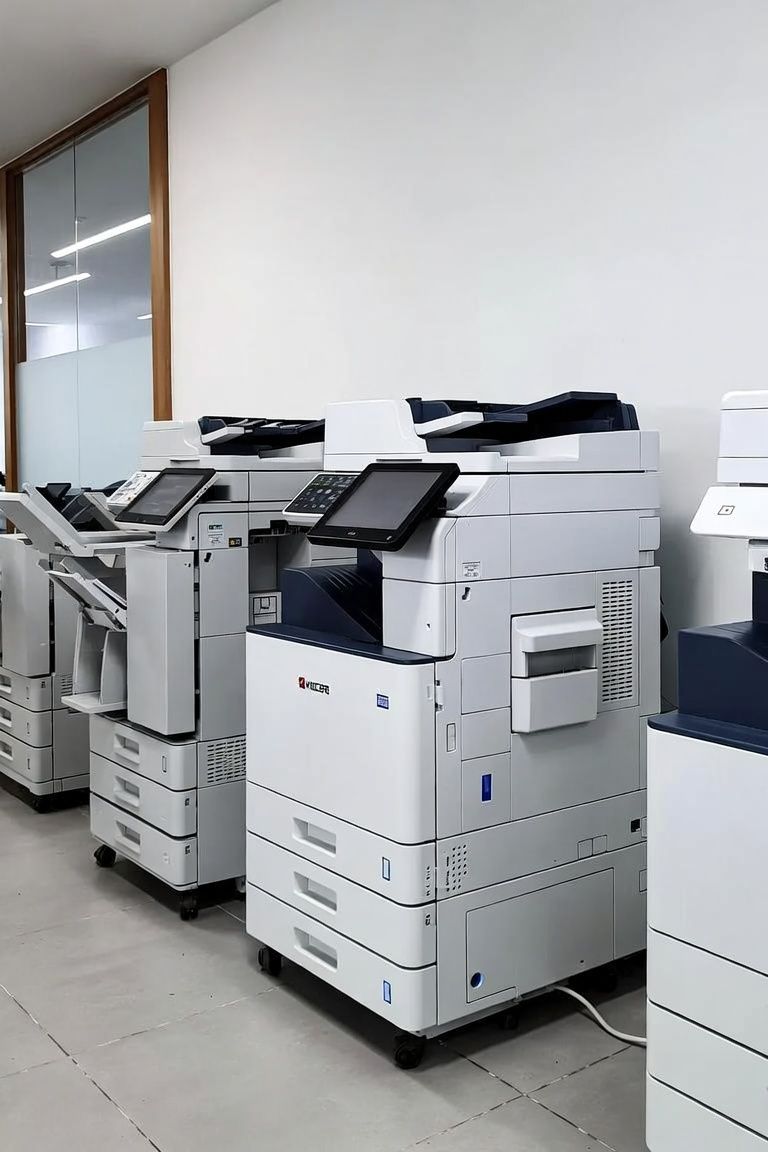
We are based in Lewisville and support commercial managed print planning across Dallas, Fort Worth, Plano, Frisco, Irving, and surrounding business corridors. Coverage is commercial—office, healthcare, legal, education, warehouse, and professional services—not residential printer tips.
If you manage multiple suites or campuses, tell us device counts and addresses up front so assessment and ongoing support stay accurate. Urgent downtime that is not a planning conversation should still call 214-222-0174 first; a failed fuser and a fleet cost review are different problems, and we will tell you which path fits.
Why DFW businesses choose CoPrinter for managed print
- Assessment before monitoring theater. We measure the fleet first; we do not install dashboards nobody will open.
- MPS clearly separated from maintenance. You get honest routing—maintenance when you need PM and loaners; MPS when you need cost visibility.
- Sales + supplies + service under one roof. Fewer “not my contract” dead ends when the finding is replace, restock, or repair.
- Scaled to real device count. Six devices and sixty devices both get a plan sized to the footprint—not an enterprise package forced onto a small office.
- Kyocera authorized, multi-brand capable. Genuine Kyocera path when needed; support for the mixed floors North Texas offices actually run.
- Local accountability from Lewisville. You speak with people who also sell, supply, and repair the machines—not a national queue that never sees your floor.
How a managed print engagement works
- Send the footprint. Device count, models if known, locations, monthly volume estimates, and the problems that keep recurring.
- We assess cost leaks. Wrong-size devices, reactive toner, repeat repairs, and consolidation opportunities are identified in plain language.
- You choose the path. Maintenance coverage, supplies coordination, selective replacement via sales or leasing, or a combined monthly support plan.
- We run the plan locally. Quotes, delivery/setup, supplies, and service stay with the Lewisville team that already knows the floor.
Urgent empty-toner or down-machine situations: call
214-222-0174. For planned fleet reviews, the contact form with device counts and cities usually gets a cleaner same-business-day start.
Reviews / Testimonials Section
★★★★★ John N. – Xerox Commercial Copier
"Juan was very responsive—received same-day service within an hour of my request and fixed all my issues plus some for a very fair price!"
★★★★★ Trammell K. – Toshiba Commercial Copier
"This gentleman was quick to respond, pricing within reason, and very personable! He was honest and offered suggestions to help save money. Can't beat that!"
★★★★★ David Y. – Canon Commercial Copier
"Professional work done, reliable, on time."
★★★★★ David N. – Canon Copier
"Juan is very good, knowledgeable, and professional. Solved the issue with my copier and also recommended alternatives. Strongly recommended for service."
★★★★★ Thumbtack U. – Canon Commercial Copier
"Did an excellent job and went above and beyond my expectation! Will be calling him for all printer needs."
★★★★★ Paula R. – Xerox Commercial Copier
"I had been looking for a new tech for our work machine and I found him! Juan is very knowledgeable."
★★★★★ Chris D. – Broad Repair Reliability
"Juan was great to work with—very responsive and does excellent work."
★★★★★ Mr. W. – Printer / Copier Needs
"Very punctual, knowledgeable, and professional. I will definitely be in touch for all of my printer needs."
Ready to see what the fleet is actually costing?
Send device count, locations, and what keeps breaking. The fastest path for urgent downtime is still
214-222-0174. For a planned fleet cost review, the contact form gets you a cleaner start—usually the same business day. You will speak with Co Printer Technologies in Lewisville, not a national queue that has never seen your floor.