Laser Printer Repair in Dallas-Fort Worth, TX
Fast Laser Printer Repair in Dallas-Fort Worth
On-site repair, 4-hour response goal. Serving DFW businesses.
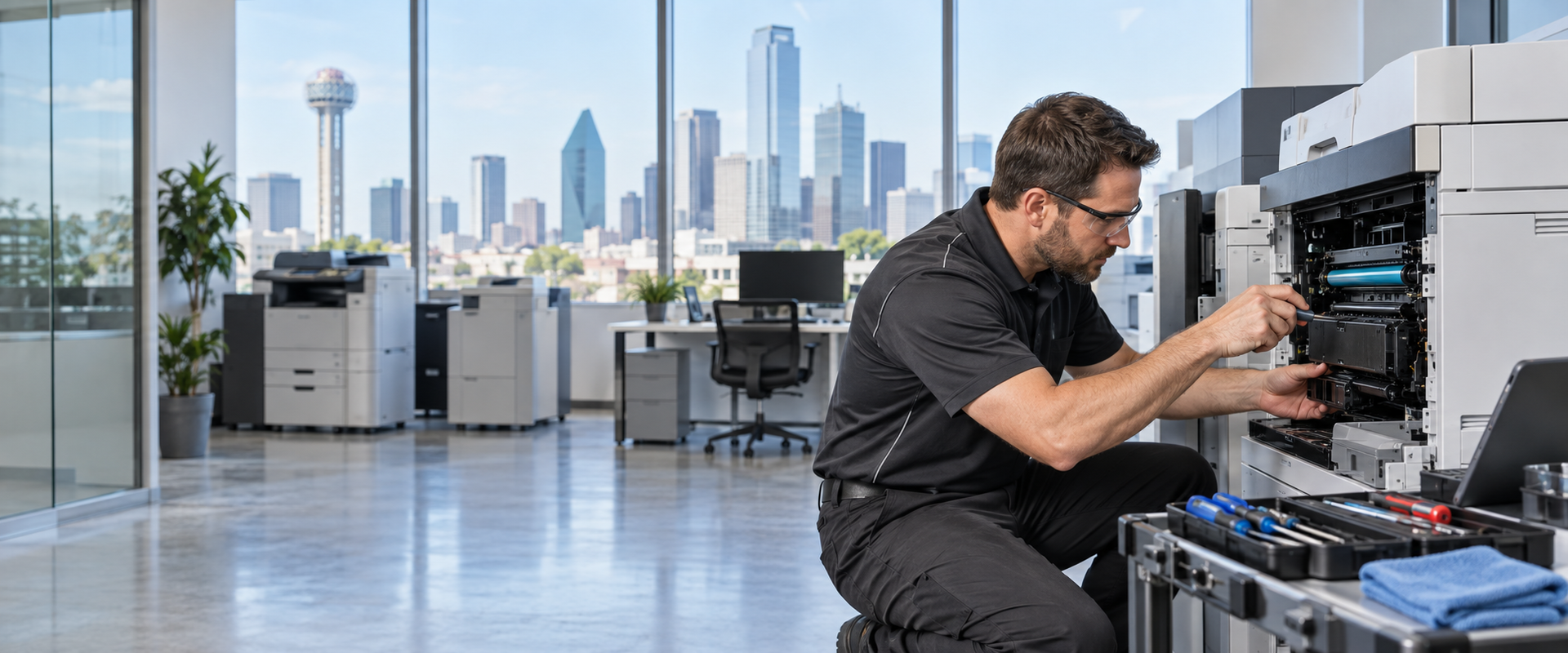
When a laser printer stops working in a DFW office, it usually stops the work around it too. Co Printer Technologies provides laser printer repair Dallas TX for businesses throughout the area, with on-site service and a 4-hour response goal so your team is not stuck waiting days for a fix.
We handle the most common laser printer failures, fuser problems, paper jams that will not clear, and drum or toner errors, along with less common issues that take more diagnosis to track down. If you have been searching for laser printer repair near me in the Dallas-Fort Worth area, our team in Lewisville is ready to help.
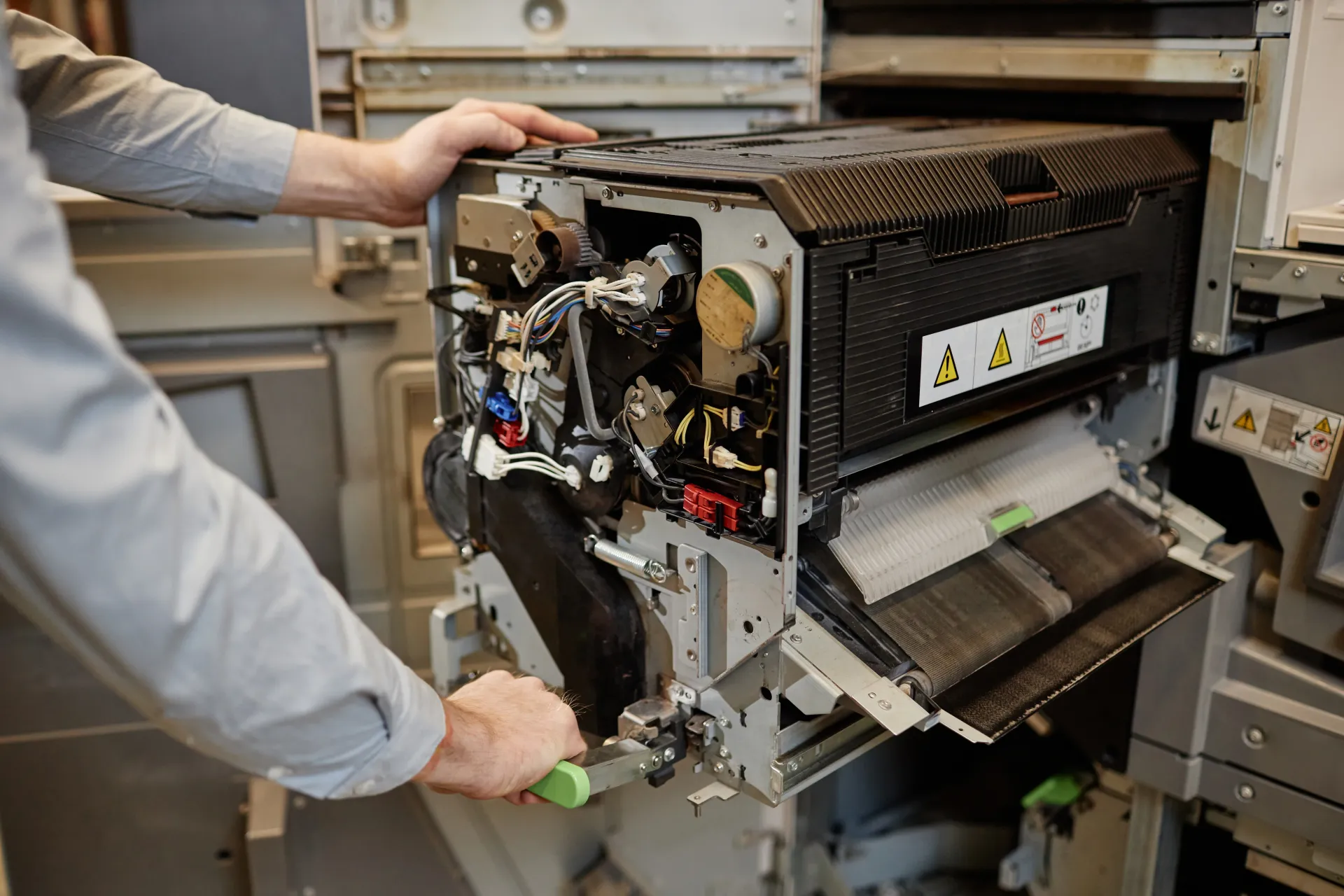
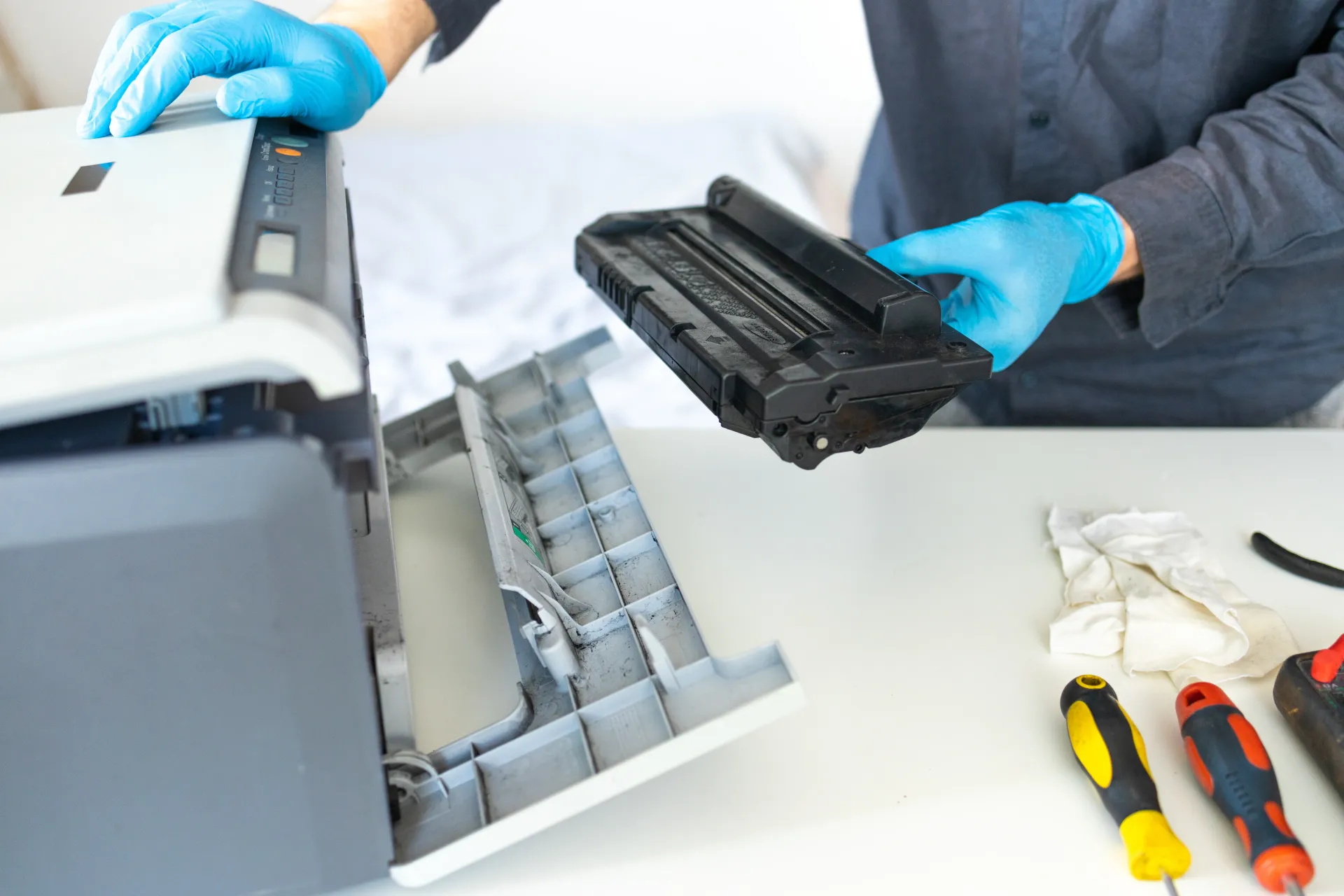
What Is Laser Printer Repair? (And How It's Different From Inkjet)
Laser printers work differently from inkjet printers, and repairing them requires a different skill set.
An inkjet printer uses liquid ink sprayed through tiny nozzles onto paper. Most inkjet repairs involve clogged heads, cartridge issues, or paper feed problems.
A laser printer uses heat and static electricity to bond powdered toner onto the page. The core components -- the fuser, the drum, the toner cartridge, and the paper feed system -- all have specific failure modes that require hands-on diagnosis and the right parts.
Fixing a fuser on a Kyocera laser printer is not the same job as swapping a cartridge on a desktop inkjet. That is why laser printer repair near me searches should point toward a technician with specific laser printer experience, not a general electronics repair shop.
For businesses with a broader mix of print and copy equipment, our
commercial printer repair services page
covers the full range of what we handle beyond laser printers.
Brands We Repair
Co Printer Technologies repairs laser printers from the major brands used in DFW offices. A laser printer technician DFW businesses rely on needs to know multiple platforms, since most offices do not standardize on a single brand over time.
Brands we currently service include:
HP - one of the most common laser printers in the field; HP laser printer repair dallas calls are among our most frequent
Kyocera - Co Printer Technologies is a Kyocera authorized dealer, which means our technicians are trained on Kyocera equipment to the manufacturer's own standard
Canon - office laser printers and multifunction units
Xerox - workgroup and enterprise laser printers
If your laser printer brand is not listed here, call and we will confirm whether we service your make and model before you schedule a visit.
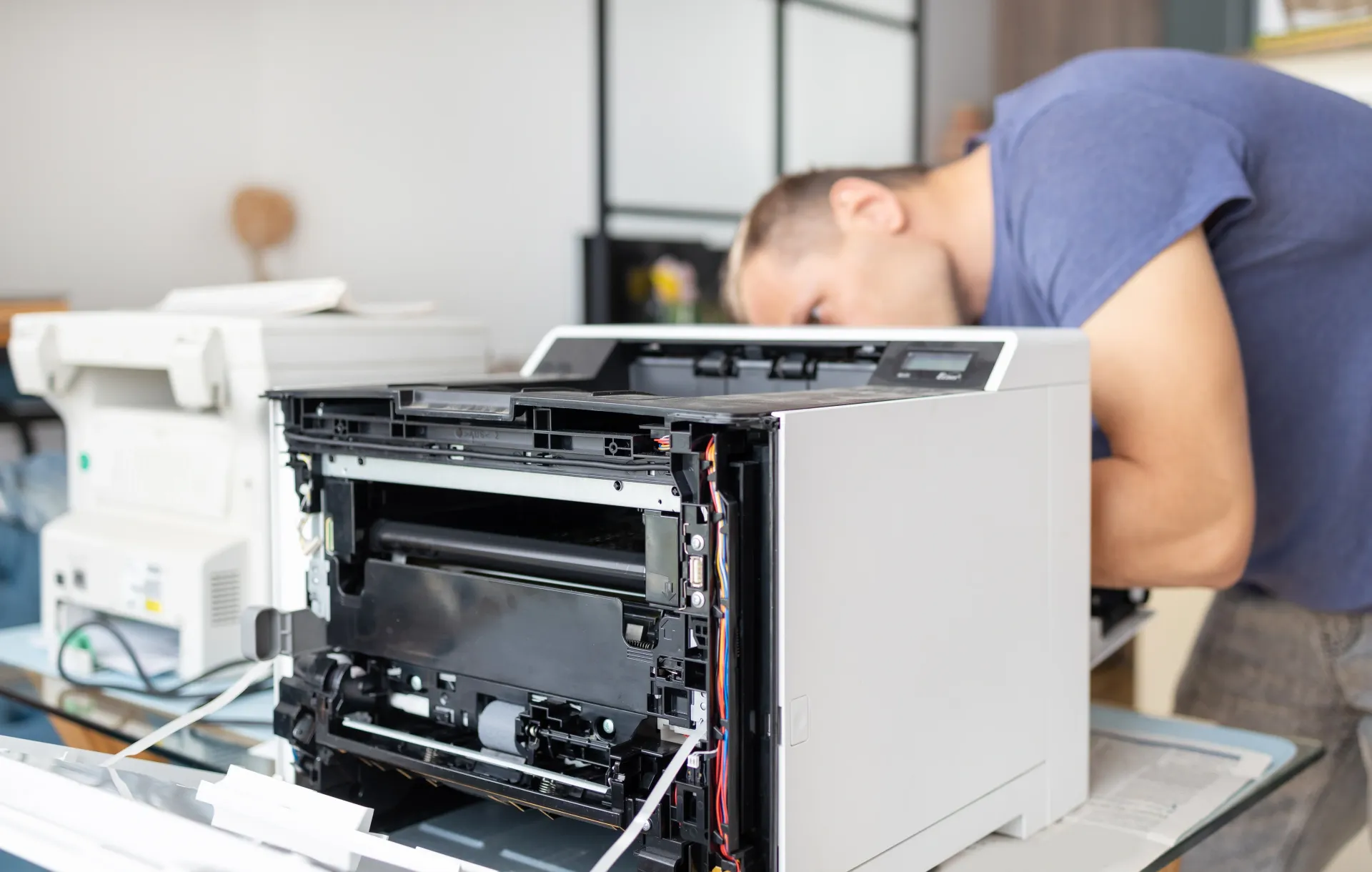
Not Sure If Your Copier Is Worth Fixing?
We will give you an honest diagnostic — no upselling, no guesswork. Our 25+ years of experience means we can tell you quickly whether a repair makes sense or if it is time for a better machine.
Fix the workgroup laser—or upgrade the fleet?
If the device still earns its keep, we repair commercial printers and MFPs on-site across DFW. If repair cost keeps climbing, the same local team can quote replacement equipment from the sales catalog.
Common Laser Printer Problems We Fix
Most laser printer breakdowns fall into a handful of categories. The issues below account for the majority of laser printer service dallas calls we receive. If your problem does not fit one of these, that does not mean we cannot help, it just means the diagnosis may take a bit more time.
Fuser Issues
The fuser is the component inside a laser printer that uses heat to bond toner powder onto the page. When it works correctly, you get clean, sharp output every time. When it starts to fail, the signs are hard to miss.
Common fuser symptoms include:
- Print that smears or wipes off the page after printing
- Wrinkled or crinkled paper coming out of the printer
- Error codes on the control panel referencing the fuser or heating unit
- Faint print on one side of the page
- A burning or unusual smell during printing
Fuser components wear out over time based on page volume. A technician can assess whether the fuser needs cleaning, adjustment, or full replacement and give you a clear answer before any work starts.
Paper Jams
Paper jams are the most visible laser printer problem and often the most frustrating. A jam that clears once and then comes back repeatedly is usually a sign of a mechanical issue rather than a one-time paper feed problem.
Common causes of recurring jams include:
- Worn pickup rollers that lose grip on the paper stack
- Debris or torn paper fragments left inside the paper path
- Misaligned paper trays
- Paper that is outside the printer's specified weight or size range
- Feed sensors that are no longer reading correctly
Our technicians check the full paper path, not just the spot where the jam is visible. A jam that keeps coming back in the same place usually has a cause that is a few inches away from where the paper stops.
Drum & Toner Errors
The drum is the cylinder inside a laser printer that holds the electrostatic image before toner is applied. The toner cartridge holds the powder that makes that image visible on the page. When either component has a problem, the output tells you quickly.
Drum and toner issues typically show up as:
- Horizontal lines or streaks across the printed page
- Dark bands or blotchy areas that repeat at regular intervals
- Toner error messages even after replacing the cartridge
- Light or faded print that does not improve with a new cartridge
- Toner specks or smudges on the printed page
Some of these are cartridge issues. Some are drum unit problems. And some are symptoms of a different component altogether. A laser printer service dallas technician can run the right tests to separate a cartridge issue from a drum issue before recommending a fix.
Worried It's the Fuser, Drum, or a Paper Jam You Can't Clear?
Laser printer issues can usually be diagnosed fast. Tell us what's happening and our DFW technicians will get you back up and running.
Why DFW Businesses Choose Co Printer Technologies
There are plenty of options for printer repair in the DFW area. Here is what makes our team the call most local businesses make first.
- Local DFW team - We are based in Lewisville and serve businesses throughout Dallas, Plano, Frisco, Irving, and the surrounding area. No distant dispatch center, no long hold times.
- On-site service - We come to your office. You do not need to box up a printer and ship it anywhere.
- 4-hour response goal -- We aim to respond to service requests within 4 hours so downtime stays short.
- Kyocera authorized dealer - Our technicians are trained to the manufacturer's own standard on Kyocera equipment, which means a higher baseline of technical knowledge across all the laser platforms we work on.
- Multi-brand expertise - HP, Canon, Xerox, Kyocera. We work on the brands DFW offices actually use.
- Service after the sale - If you purchase equipment from us, we offer maintenance agreements so you are covered long term.
A laser printer technician DFW businesses trust needs to show up on time, give a straight answer on what is wrong, and fix it without unnecessary parts replacement. That is what we aim to do on every call.
What Our Customers Are Saying
★★★★★
Cara Goins
“Juan is fantastic! Always able and willing to help immediately!”
★★★★★
Isaac Gonzalez
“Juan was awesome and very imformative! Recommend for DFW locals!”
Service Areas We Cover
Co Printer Technologies provides on-site fix laser printer DFW service throughout the Dallas-Fort Worth metro. Current service areas include:
- Dallas
- Lewisville
- Plano
- Frisco
- Irving
- And surrounding DFW communities
If your office is outside this list, call and we will confirm whether we can reach your location. Most DFW businesses fall within our service range.
For businesses that also need
copier repair in DFW, our team handles both laser printers and multifunction copiers - so you do not need a separate vendor for each device.
Frequently Asked Questions
Ready to Get Your Laser Printer Fixed?
Tell us about your laser printer issue and we will get back to you with next steps, usually within 1 business day.